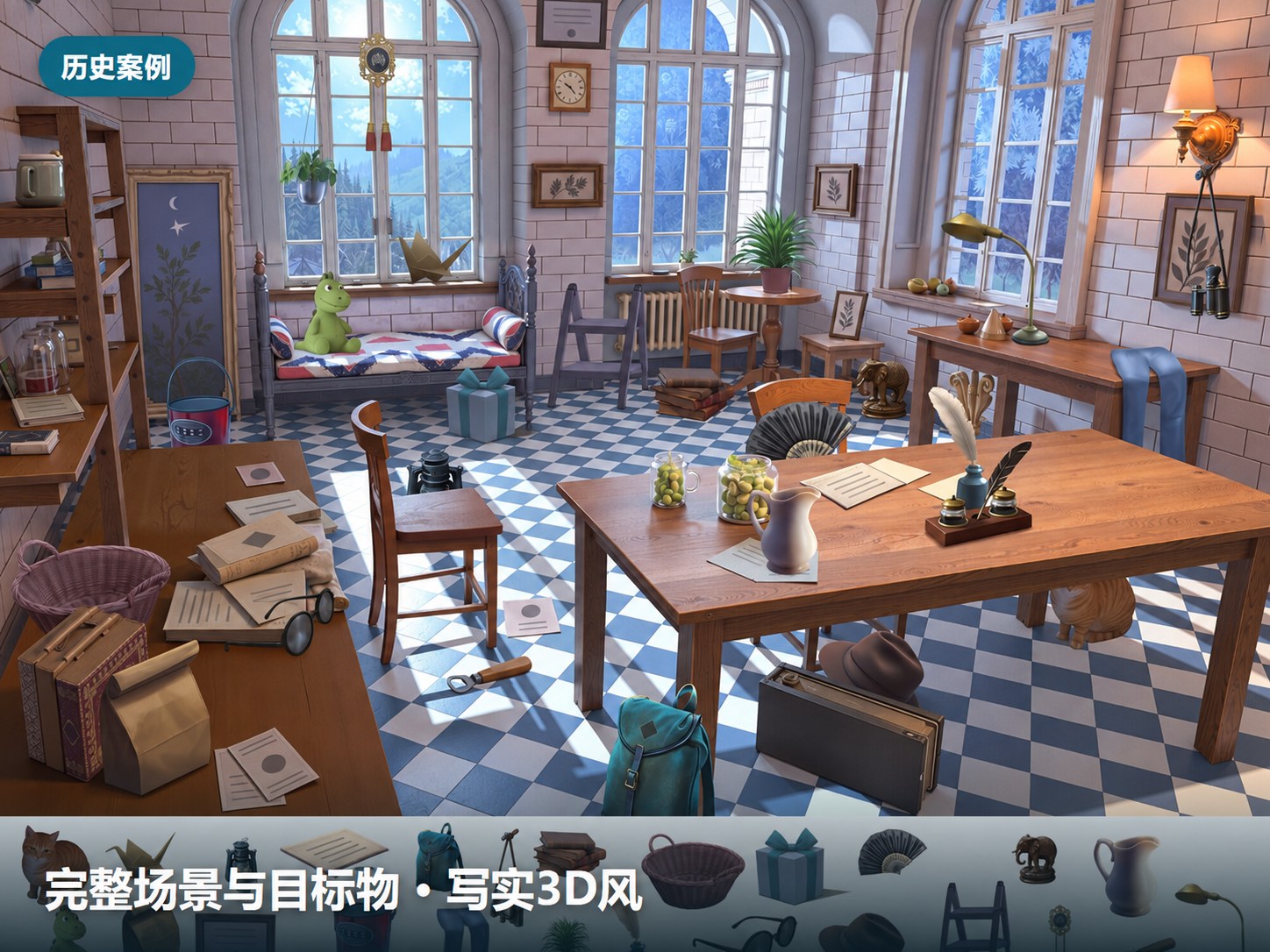
GLTOP · Service example
Hidden-Letter Games | Word Puzzle Levels
Prepare import-ready hidden-letter content using your gameplay rules and project templates.
Collaboration at a glance
Your word list and rules → Level data
See what you provide and what we produce.
Brief & production requirements
We can discuss and define any specifications that are still undecided.
Our production work
- 01Agree the rules
Define level rules around the gameplay, vocabulary and difficulty requirements.
- 02Compose levels
Plan levels and use automated layout tools to organize letters and words.
- 03Check the data
Check prohibited words, duplicates and formats, then prepare import files using the agreed template.
Level data & check results
- Import-ready data for 1 hidden-letter level
- Corresponding check results
Reference pricing unit: 1 level.
Discuss your brief, then agree the delivery scope and specifications.
Discuss your project →Example details
Past work · Adapted display
See how the player-facing scene corresponds to letter positions and target-word data.
Images are adapted from past work for public display.
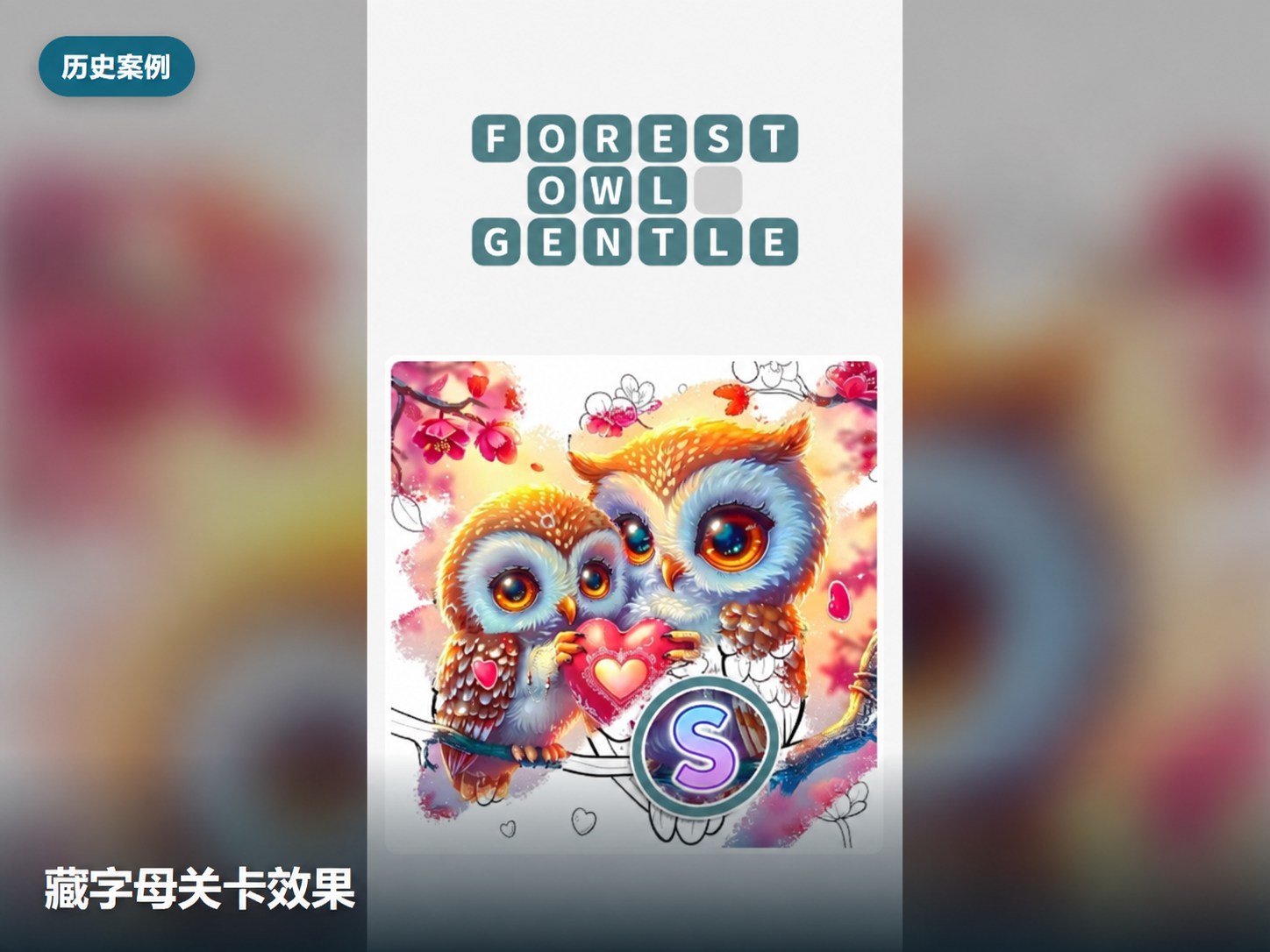
Level scene
Shows the visual presentation of hidden-letter gameplay.
View full image (new window)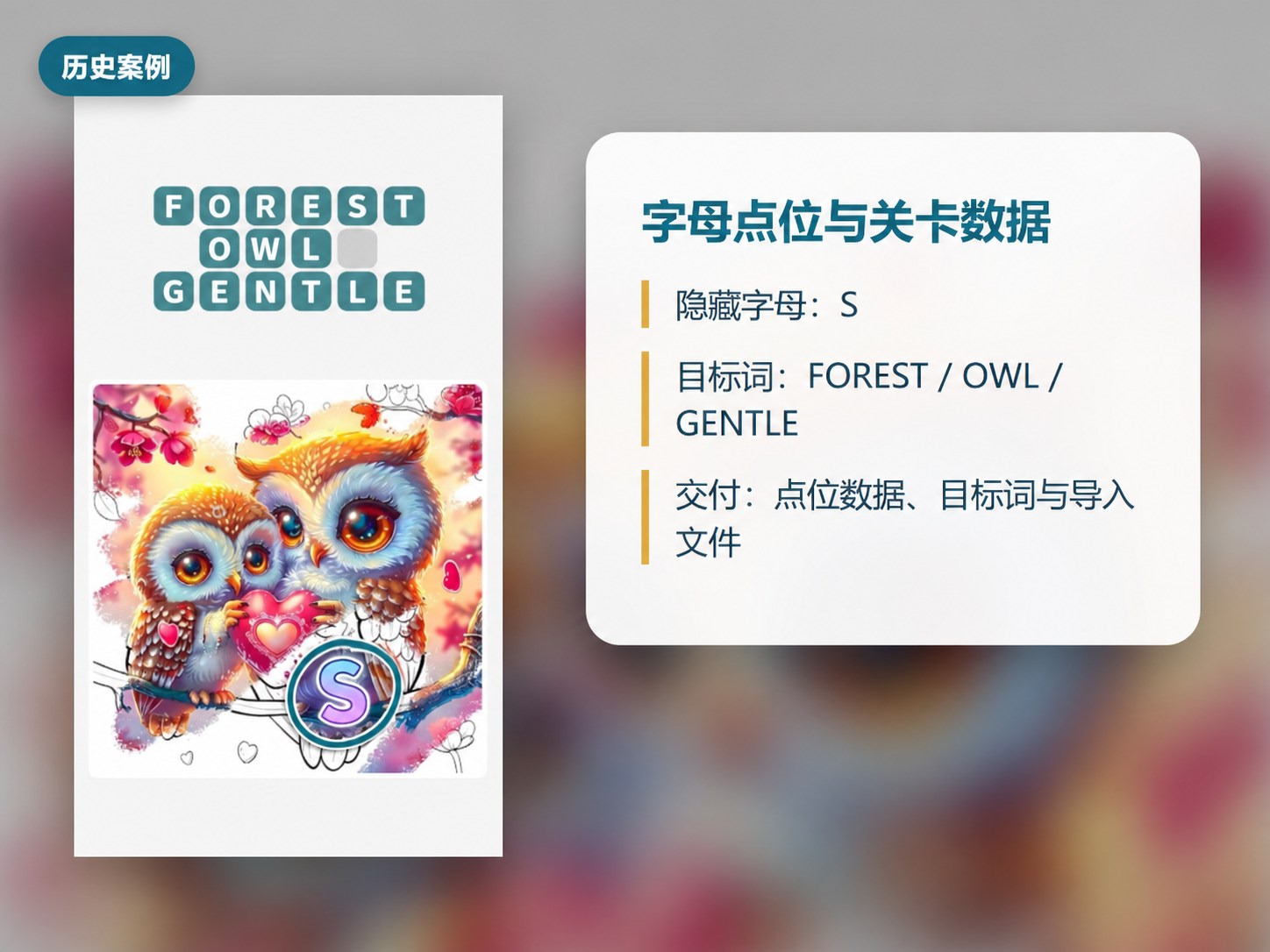
Letter positions & target words
Connects scene content with the data needed for the level.
View full image (new window)Scope & acceptance
Pricing, samples & acceptance
- Sample validation: agree sample content, delivery specifications and an acceptance checklist. Confirm sample scope and fees before starting.
- Acceptance is based on approved samples, art direction, gameplay rules, file formats and the agreed lists or check results.
- Minimum order, pricing, batch plan, revision allowance and volume discounts are agreed for each project.
- Quality fixes and new requirements are handled separately. This page describes a service direction and delivery reference, not every item in the broader service offering.
- Volume, formats and timeline are agreed per project, with testing, feedback and import checks defined before production.
Select the email address or button to open your email app.
The service name and brief checklist are prefilled.